
Schools can submit their strategic plans and annual reports, as well as requesting the Ministry publish their planning and reporting documents on Education Counts (for those schools that do not have their own websites).
Key tasks performed in School Planning and Reporting
- Submit strategic plans to the Ministry.
- Submit annual reports to the Ministry.
- Request the Ministry publish a planning and reporting document online at Education Counts (for those schools that don’t have their own websites).
- Check on the status of submitted school planning and reporting documents.
Access
The School Planning and Reporting Application uses your Education Sector Logon (ESL). You will need to request access to the School Planning and Reporting Application by contacting your school’s ESL delegated authoriser.
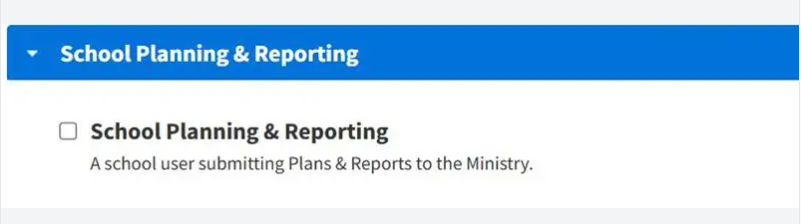
Delegated authorisers will need to set up the School Planning and Reporting role for users as shown below.
More information
Information on requirements, a toolkit and optional templates can be found here: The school planning and reporting framework - Ministry of Education
Guidance for submitting your documents is also available within the application. School Planning and Reporting Application Login – Ministry of Education