Adding documents after submission
Steps
You can upload documents after submission to any record.
1
Select Record
Select the record you wish to add.  a document to.
2
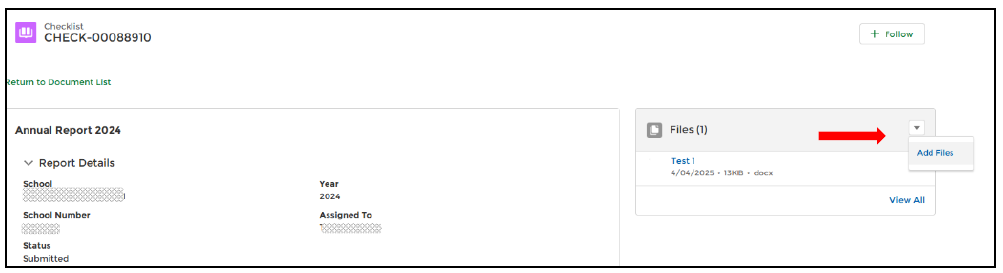
Add Files
Select the arrow and then ‘Add Files’.
3
Select File
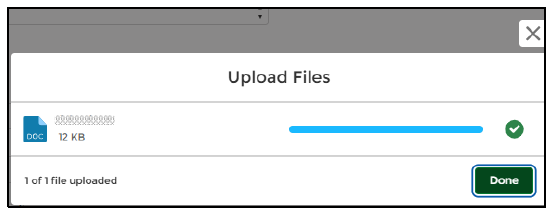
Select the file you want to upload and select ‘Done’ when it has finished uploading. The new file will now be uploaded to the record.