
How to log in to Request learning support
School or Early Learning Services
You’ll need an Education Sector Logon (ESL) and the role of Learning Support Leader or Learning Support user.
Click on the Log in button at the top right corner of this page
You will be taken to the Online services for education organisations site, showing the Request learning support page. Click on Log in on the page to bring up the ESL log on.
Click on the Log in with ESL button at the top of the page.
You will be taken to the Education Sector Logon screen.
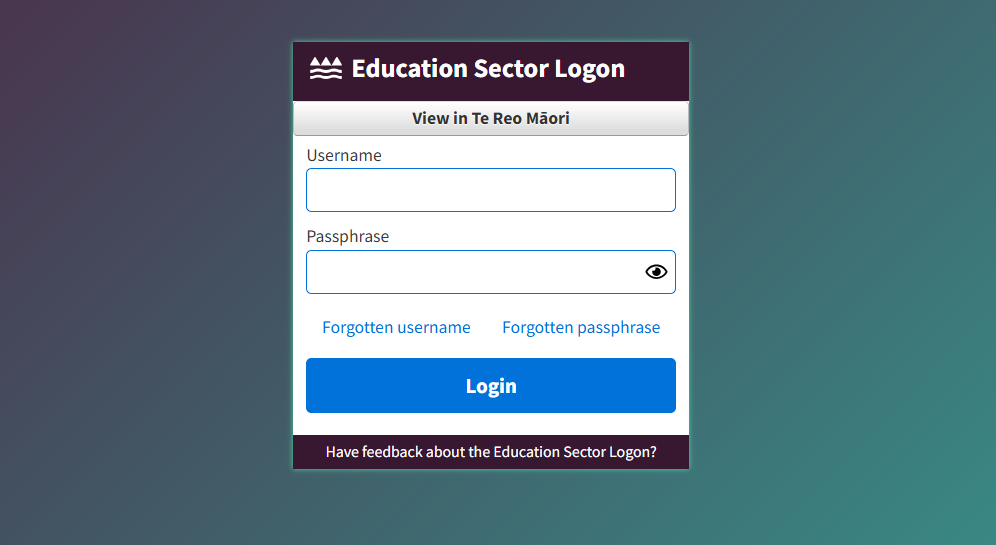
Enter your ESL Username and ESL Password and then select the Login button.
You may be asked to verify your identity using Multifactor Authentication on ESL. Provide the correct verification code from your authenticator app and click on the Verify button.
You will be taken back to the Online services for education organisations page, where you can progress your application.